 TravelYa
Help & tutorials
Short videos that show TravelYa in action, from planning a trip with an AI assistant to finding your way once you are there.
Plan your trip
 4:20
Stays & day plan
Your bookings, the weather and a plan for every day
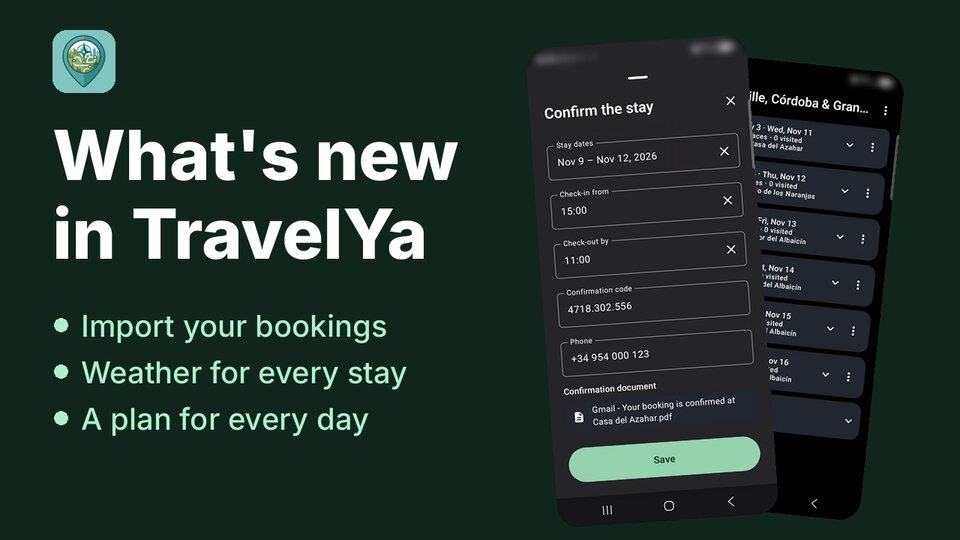
Share a booking confirmation PDF to TravelYa and check what it read: your stays land on the map and the trip dates fill in, with the weather for every day where you sleep. Then plan your places day by day, walk one day as an offline route, and mark the must-sees.
Watch on YouTube →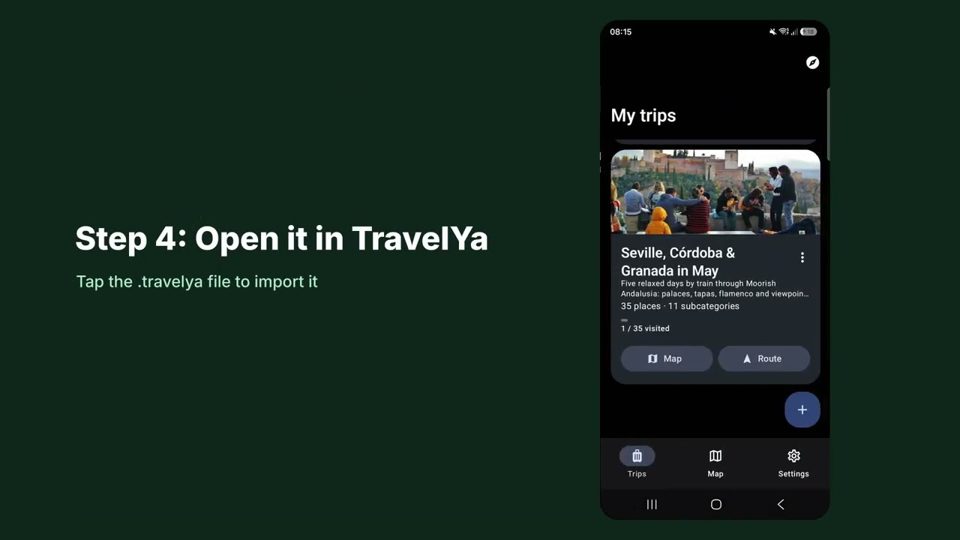 2:29
Plan with AI
Plan a trip with Claude Code
Export the TravelYa planning skill, let Claude Code interview you and research a trip to Moldova and Transnistria, then open the finished .travelya file in the app: 24 verified places with photos and a travel guide.
Watch on YouTube →While you travel
Getting started
- 1Create a tripGive it a name, then add places by searching or by long-pressing the map.
- 2Or plan one with AIOptional, with your own API key: describe where you are going and what you like, and get places and a guide.
- 3Or import a .travelya fileMade by ChatGPT, Claude or another assistant with the planning skill from Settings → Export planning skill.
Still stuck?
Write to travelya.app@gmail.com, or use Settings → Send feedback in the app.